Loose type letterpress hero you can push around
A bold cobalt hero where every headline letter is a loose piece of type that springs away from your finger or cursor and settles back.
Use it with Claude or any AI tool. Copy the prompt and paste it in. The link inside gives the AI the whole page as Markdown.
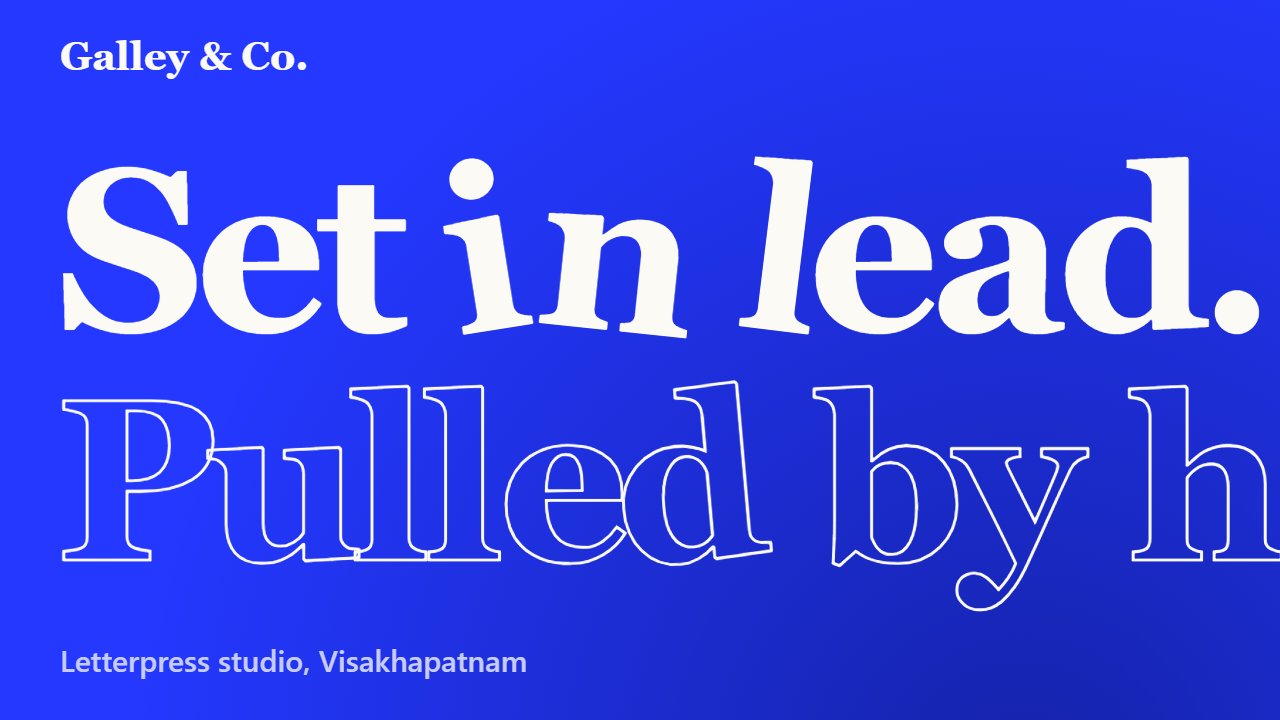
Preview of the result built from this prompt.
This is the real page from the plan, running in a locked box. It cannot reach the internet or this site. The code is in loose-type-hero.html under Files and links.
Overview
A single-file hero for a letterpress studio, with no libraries. The headline is split into letters. Each letter has its own small spring, so it is pushed away by the pointer, tilts as it goes and settles back. Pressing harder (mouse down or touch) makes the push stronger. The first view is one entrance moment: the letters drop in as if the line has just been locked up. The page is plain cobalt blue and white, with one serif face doing all the work.
Build it step by step
Sign in to tick steps off-
1
Set the cobalt page and the type
Use one strong colour and one heavy serif. The headline is the whole design, so keep everything around it quiet.
Create a single-file HTML hero for Galley & Co., a two-press letterpress studio. Page colour cobalt #2438ff with a soft navy glow in the bottom right, text in paper white #fbfaf5, secondary text #c7ccff. Fonts: Fraunces 900 for the headline and Instrument Sans for everything else, loaded from Google Fonts with Georgia and system-ui fallbacks. Layout: a top bar with the studio name and a few links, then a giant two-line headline, "Set in lead." in solid white and "Pulled by hand." as outlined letters (transparent fill, 2px white text stroke), left aligned. Below it put a short paragraph and two buttons, and a thin rule and small footer line at the bottom. The headline should be about 13vw wide so it fills the page.
Done when A cobalt page with a huge two-line headline, one solid and one outlined, a paragraph, two buttons and a footer line.
-
2
Split the headline into letters
Turn each character into its own inline-block span so it can move on its own, while keeping the headline readable for screen readers.
In JavaScript, take the text of each headline row from a data attribute and create one inline-block span per character (use a non-breaking space for spaces). Keep the headline as one accessible label with aria-label and mark the visual rows aria-hidden. Store each letter's centre point from getBoundingClientRect after fonts have loaded and again on resize and scroll. Give each letter its own state: x, y, rotation and their velocities.
Done when The headline looks the same as before, but each letter is its own element with a stored position.
-
3
Add the spring and the push
Every frame, push letters away from the pointer and pull them back toward home. Damping makes them settle instead of wobbling forever.
Run a requestAnimationFrame loop. For each letter, measure its distance to the pointer. Inside a radius of about 16% of the screen width (between 120px and 240px) add a velocity away from the pointer that grows with the square of how close it is, and add a rotation velocity in the same direction. Pressing the pointer down multiplies the push by about 1.6. Then add a spring that pulls x, y and rotation back to zero (about 7.5% of the offset per frame), damp the velocities (multiply by 0.82 for position, 0.8 for rotation) and apply the result with transform: translate3d and rotate. At start, drop every letter in from above with a small random tilt so the first thing the visitor sees is the line being locked up.
Done when Moving the mouse over the headline scatters the letters, and they spring back into place when you move away.
-
4
Make it work on phones and respect reduced motion
The same effect works with a finger. Then handle the small screen and anyone who asks for less motion.
Use pointer events so touch and mouse share the same code, and set touch-action: pan-y on the hero so vertical scrolling still works. Reset the pointer position when the finger lifts or leaves. At 760px and below hide the text links, make the paragraph and buttons stack, make the buttons share the row, and stack the footer lines. If prefers-reduced-motion is on, skip the animation loop and draw the letters once in their home position. Check there is no horizontal scrolling at 390px wide.
Done when On a phone, dragging a finger across the headline pushes the letters, the page still scrolls, and nothing overflows sideways.
Files and links
What people built
Show yoursNobody has shared a build yet. Yours could be the first.
Show what you built
Built this plan? Sign in to share your demo video, live app and screenshots.
Related on OwnlyPlans
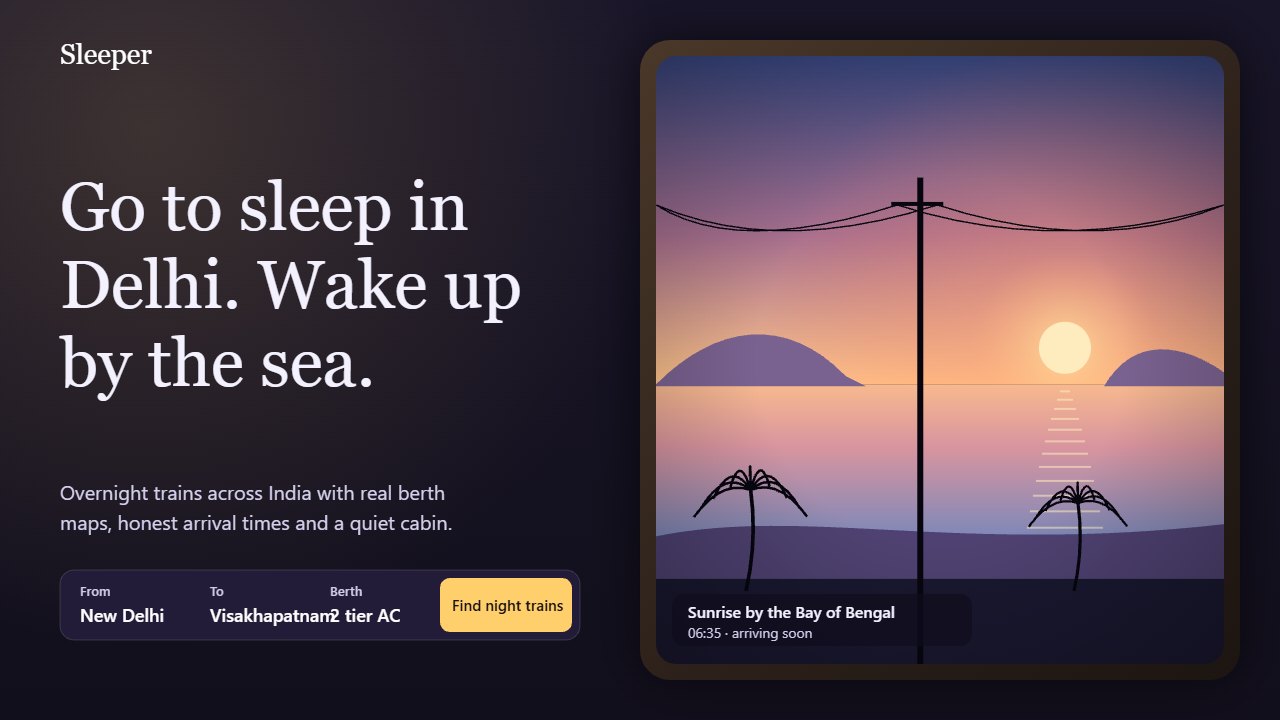
Sleeper night train hero seen through a window
A booking hero for overnight trains: a cabin window looks out on a landscape that turns from moonlit night to sunrise over the sea, with a search panel beside it.
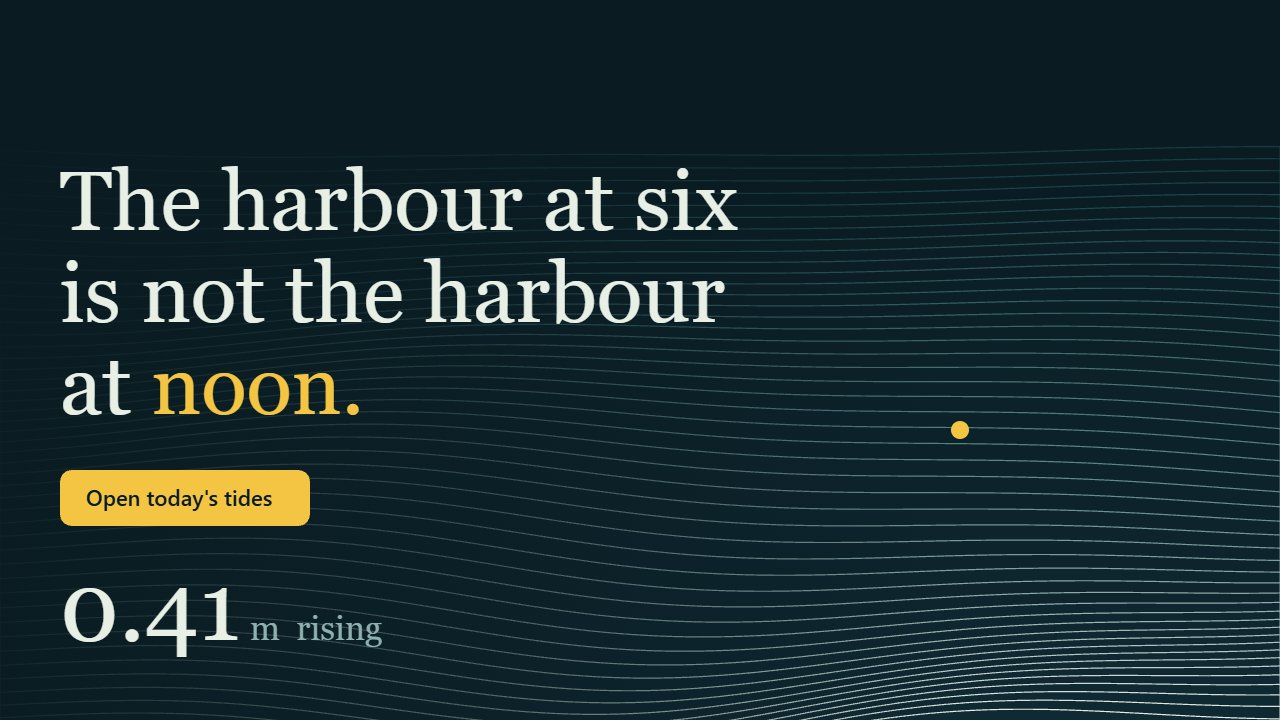
Lowtide tide table hero with a live sea
A dark harbour hero where about fifty stacked wave lines rise and fall with a real tide formula, with a live height readout and a 24-hour curve.
Drift Car Page Transition
A red sports car drifts across the screen, leaving tyre smoke and skid marks, as the page changes.